---
title: Where's My Order? Tracking Promo Orders Without Calling Suppliers
description: How promo distributors can know where every order stands, what PromoStandards order status and shipment data show, and how to catch late orders early.
image: https://www.promolink.io/hubfs/BLOG-8-banner-1200x630.png
---
[](https://www.promolink.io/)
- [Distributors](https://www.promolink.io/distributors)
[Overview](https://www.promolink.io/distributors) [Solutions](https://www.promolink.io/distributor-solutions) [Integrations](https://www.promolink.io/integrations)
- [Decorators](https://www.promolink.io/decorators)
[Overview](https://www.promolink.io/decorators) [Solutions](https://www.promolink.io/decorator-solutions) [Integrations](https://www.promolink.io/integrations)
- [Suppliers](https://www.promolink.io/suppliers)
[Overview](https://www.promolink.io/suppliers) [Integrations](https://www.promolink.io/integrations)
- Solutions
Distributor
Supplier
Decorator
Enterprise
[Sales Team Suite](https://www.promolink.io/sales-team-suite-distributor) [Storefront Suite](https://www.promolink.io/storefront-suite-distributor) [AI PDF Reader](https://www.promolink.io/pdf-ai-order)
A La Carte
[Supplier Index](https://www.promolink.io/supplier-index) [ShowCase](https://www.promolink.io/showcase) [Sales Order](https://www.promolink.io/sales-order) [Storefront](https://www.promolink.io/storefront) [Purchase Order](https://www.promolink.io/purchase-orders)
[All distributor solutions](https://www.promolink.io/distributor-solutions)
Supplier Solutions
[Supplier Product Manager](https://www.promolink.io/suppliers-product-manager) [AI PDF Reader](https://www.promolink.io/pdf-ai-order) [Electronic Purchase Order](https://www.promolink.io/electronic-purchase-order) [Sage Integration](https://www.promolink.io/sage-integration)
Enterprise
[AI PDF Reader](https://www.promolink.io/pdf-ai-order) [Sales Team Suite](https://www.promolink.io/sales-team-suite-decorator) [Storefront Suite](https://www.promolink.io/storefront-suite-decorator)
A La Carte
[Supplier Index](https://www.promolink.io/supplier-index) [ShowCase](https://www.promolink.io/showcase) [Sales Order](https://www.promolink.io/sales-order) [Storefront](https://www.promolink.io/storefront) [Purchase Order](https://www.promolink.io/purchase-orders)
[All decorator solutions](https://www.promolink.io/decorator-solutions)
- Pricing
[Distributor](https://www.promolink.io/distributor-pricing) [Decorator](https://www.promolink.io/decorator-pricing) [Supplier](https://www.promolink.io/supplier-pricing)
- [Resources](https://www.promolink.io/blog)
[Blogs](https://www.promolink.io/blog) [Webinars](https://www.promolink.io/webinars)
[Book a demo →](https://www.promolink.io/request-a-demo)
1. [Home](https://www.promolink.io/)
2. [Blog](https://www.promolink.io/blog)
3. Where's My Order? Tracking Promo Orders Without Calling Suppliers
[← Back to blog](https://www.promolink.io/blog) [Read next: Matching Supplier Invoices to POs: A Guide for Promo Distributors](https://www.promolink.io/blog/matching-supplier-invoices-to-pos-a-guide-for-promo-distributors)
[Guide](https://www.promolink.io/blog?topic=guide) [B2B](https://www.promolink.io/blog?topic=b2b)
# Where's My Order? Tracking Promo Orders Without Calling Suppliers
How promo distributors can know where every order stands, what PromoStandards order status and shipment data show, and how to catch late orders early.
 Amy Rabideau November 20, 2026 9 min read

On this page
## "Any update on the polos?"
A client emails on Tuesday: "Any update on the polos?" The rep checks the system and sees "PO sent," nothing more. So the rep emails the supplier, waits, follows up, and finally replies to the client a day later, with an answer that's already a day old.
Multiply that by every open order, and "where's my order?" becomes one of the quietest time drains in a promo business. It also lands at the worst possible moment, because the orders people ask about most are the ones with the tightest in-hands dates.
And those dates keep getting tighter. PPAI's 2025 research with distributors found about seven in ten see buyers pushing for faster turnaround and rush delivery. ASI's Q2 2026 report described distributors handling a high volume of rush orders as clients waited longer to commit. Less time between order and event means less room for an order that quietly slips.
This guide covers where order status information comes from, what suppliers can send electronically, and how to spot a late order before your client does.
## Why is it so hard to know where a promo order stands?
A single promo order often passes through several companies: a blank supplier, a decorator, a freight carrier, and sometimes your own warehouse. Each has its own system and its own status words. Unless that information comes back to you automatically, someone has to ask each company in turn, and the answer is only as fresh as the last email.
Decorated orders make it harder. When blanks ship from one company to a decorator and finished goods ship from the decorator to your client, there are two orders to follow. "Shipped" from the blank supplier doesn't mean your client has anything yet. We wrote about why those two POs need to be handled separately in [The Multi-PO Challenge](https://www.promolink.io/blog/the-multi-po-operational-challenge-how-promolink-solves-the-industrys-hidden-margin-trap).
If any of these sound familiar, you're not alone:
- Your reps spend part of every day emailing suppliers for updates.
- A client finds out about a delay before you do.
- An order sat on proof or art hold for days because nobody saw the supplier's email.
- Tracking numbers live in someone's inbox, not on the order.
- One size shipped, the rest is backordered, and the client got half a box with no warning.
- The only person who knows where a big order stands is out this week.
None of that is a people problem. It's a process problem, and it's solvable.
## What is PromoStandards Order Status?
Order Status is a PromoStandards service that lets a supplier answer "where is this order?" electronically. Your system sends the PO number and gets back the order's current stage, such as received, in production, on hold or shipped, plus details like expected ship dates. When the supplier supports it, no email or phone call is needed.
PromoStandards is our industry's nonprofit standards organization. It publishes free specifications that suppliers and software providers build into their systems. Order Status is one of its services, alongside Product Data, Inventory, Pricing, Purchase Order, Invoice and others, and each supplier decides which ones it offers.
For a distributor, the value is simple: the status lives on the order in your own system, not in a supplier's portal or an email thread. Anyone on your team can answer a client's question without starting a new one. That's not just automation. It's interoperability.
## What is an Order Shipment Notification?
An Order Shipment Notification (OSN) is the PromoStandards service that tells you what shipped: which items, how many, from where, by which carrier, and with which tracking numbers. Where Order Status tells you the stage, OSN tells you what actually left the warehouse, including partial shipments.
That detail matters in promo. A mixed-size order can ship in pieces, and a client who gets the mediums but not the larges needs to hear it from you first. With shipment data on the order, you can see the larges are still open and tell the client before they open the box.
Shipment data is also valuable after delivery. It gives you a record of what was sent, which helps when you match the supplier's invoice to the PO. We cover that in [Matching Supplier Invoices to POs: A Guide for Promo Distributors](https://www.promolink.io/blog/matching-supplier-invoices-to-pos-a-guide-for-promo-distributors).
## What changed in Order Status 2.0?
Order Status 2.0.0 adds more detail about problems. Suppliers can now share what's wrong with an order, why it's on hold, and which items a status applies to. The standard also recommends UTC timestamps, so status times are less confusing across time zones. Older versions remain in use, so not every supplier sends this detail yet.
For distributors, the hold detail is the real win. "On hold" alone tells you to make a call. "On hold, waiting for art approval" tells you who needs to act. PromoStandards' own announcement also names proof approvals, easier order splitting and supplier contact information as goals of the update.
Suppliers move to new versions at their own pace, so it's reasonable to ask your main suppliers which version they publish. And if you're a supplier deciding when to upgrade, [PromoStandards for Suppliers: A Plain-Language Guide and Self-Audit](https://www.promolink.io/blog/promostandards-for-suppliers-a-plain-language-guide-and-self-audit) covers how versions change and what to consider.
## What if a supplier doesn't send electronic order status?
Many suppliers, decorators and smaller vendors don't offer electronic status yet, so a mix is normal. For them, the goal is the same: keep status on the order, not in an inbox. Record every update where your whole team can see it, and know which orders depend on manual follow-up.
A few things help:
- **Know which suppliers are which.** If you know which suppliers send status electronically and which don't, you know where to spend follow-up time.
- **Ask for the confirmation up front.** Many suppliers send an order acknowledgement by email. Treat a missing acknowledgment as a warning sign, not as normal.
- **Use one place for updates.** Whether an update came from an API or a phone call, it belongs on the order record, with the date.
- **Ask your key suppliers about their plans.** Suppliers add services when distributors ask for them. As this year's PromoStandards chair, I can tell you your request really is part of how adoption grows.
## How do you catch a late order before the client does?
Work backward from the in-hands date. For every order, know when it needs to ship to arrive on time, and watch for anything that threatens that date: no confirmation after the PO went out, a hold, a backorder, or a ship date that moved. Those are the orders to act on today.
The signals worth watching, in rough order of how early they appear:
1. **No acknowledgment.** The PO went out, but the supplier hasn't confirmed receiving it. Every day without one is a day lost.
2. **A hold.** Proof, art or credit holds stop production until someone acts, and often that someone is on your team or the client's.
3. **A backorder or partial.** Part of the order can't ship with the rest. Decide early whether to split the shipment, substitute, or move the date.
4. **A ship date that moves.** If the expected ship date slides past the point where the order can still arrive on time, it's time to talk to the client.
5. **Shipped, but slow.** Tracking shows the order moving, but on a service that won't make the event. Upgrading freight is cheaper than missing it.
The point isn't to watch every order equally. It's to see the handful that need attention, early enough to fix them.
## Should clients see order status themselves?
Sometimes. Clients with many orders, such as company store programs, often like seeing status and tracking on their own. For a single decorated job, though, raw supplier statuses can confuse more than they help: "shipped" may mean the blanks shipped to the decorator. A clear, client-friendly status works better than passing along every supplier update.
A useful rule: share the steps the client cares about (in production, shipped, delivered, plus any problem that changes their date), and keep the supplier-to-decorator steps internal. If something is late, the client should hear it from a person, with a plan, before they see it on a tracking page. Technology keeps the record. People keep the relationship.
## How can you tell how much "where's my order?" costs you today?
Look at what you already have. Search your inbox for "status," "update" or "tracking" over the last month, and count the client questions and supplier follow-ups. Check which recent late orders caught you by surprise. If the answers came from people rather than from your system, that's your answer.
You can also ask your customer service team one question: which suppliers do you have to chase the most? Their answer usually maps closely to which suppliers don't send electronic status, and that tells you exactly where to focus.
## How PromoLink fits
In PromoLink, the [Purchase Order](https://www.promolink.io/purchase-orders) module keeps checking with suppliers after a PO is sent, and brings order status, shipment and tracking details, and invoices back to the order, whether the PO went out electronically or by email. This works with suppliers that support PromoStandards Order Status and Order Shipment Notification; for the rest, updates are tracked by hand on the same order.
## We rise together
"Where's my order?" is really a question about trust. When we talk about order tracking, we're talking about three things: Trust, Transparency, and Experience. Clients want to know you have it handled, and your team wants to answer without chasing anyone.
This week, look at your open orders with in-hands dates in the next three weeks and check which ones have a confirmed ship date. Share what you find with your customer service and purchasing team, and compare notes with peers about which suppliers make tracking easy, because a peer-validated answer beats trial and error every time. And if you'd like to talk through how your team tracks orders today, we're always happy to help.
**[Let's talk](https://www.promolink.io/request-a-demo)**
## Sources
- PPAI, [Distributor Insights: What End Buyers Value in 2025](https://www.ppai.org/wp-content/uploads/2025/10/Distributor-Insights-What-End-Buyers-Value-in-2025.pdf), September 2025.
- ASI, [Industry Sales Grow 2.5% in Q2 as Business Pressures Persist](https://members.asicentral.com/news/industry-news/july-2026/industry-sales-grow-25-in-q2-as-business-pressures-persist/), Jul 14, 2026.
- PromoStandards, [Introducing OS 2.0.0, the Updated Endpoint](https://promostandards.org/introducing-os-2-0-0-the-updated-endpoint/), Nov 30, 2023.
- PromoStandards, [Intro to PromoStandards](https://promostandards.org/intro-to-promostandards/).
Share this article
[LinkedIn](https://www.linkedin.com/sharing/share-offsite/?url=https%3A%2F%2Fwww.promolink.io%2Fblog%2Fwheres-my-order-tracking-promo-orders-without-calling-suppliers) [X](https://twitter.com/intent/tweet?url=https%3A%2F%2Fwww.promolink.io%2Fblog%2Fwheres-my-order-tracking-promo-orders-without-calling-suppliers&text=Where%27s+My+Order%3F+Tracking+Promo+Orders+Without+Calling+Suppliers) [Facebook](https://www.facebook.com/sharer/sharer.php?u=https%3A%2F%2Fwww.promolink.io%2Fblog%2Fwheres-my-order-tracking-promo-orders-without-calling-suppliers)
Copy link

Written by
Amy Rabideau
Client & Community Engagement | Board Member & Mentor | ESG Advocate
## You might also like
[View all posts →](https://www.promolink.io/blog)
### [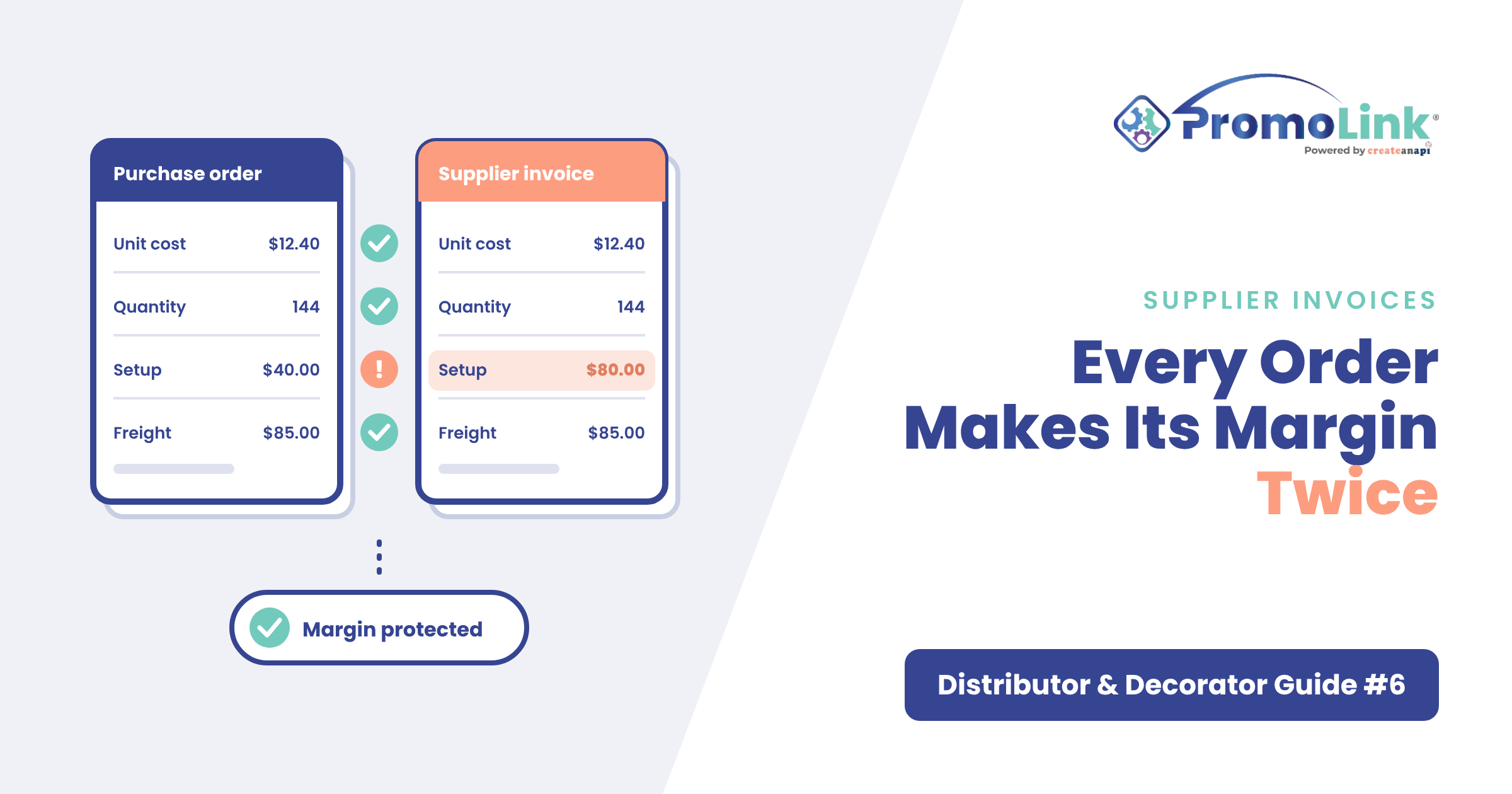 GuideB2B Matching Supplier Invoices to POs: A Guide for Promo Distributors Why supplier invoices don't match the PO on promo orders, what to check on every bill, and how to handle the gap before it reaches your margin. Nov 16, 2026](https://www.promolink.io/blog/matching-supplier-invoices-to-pos-a-guide-for-promo-distributors)
### [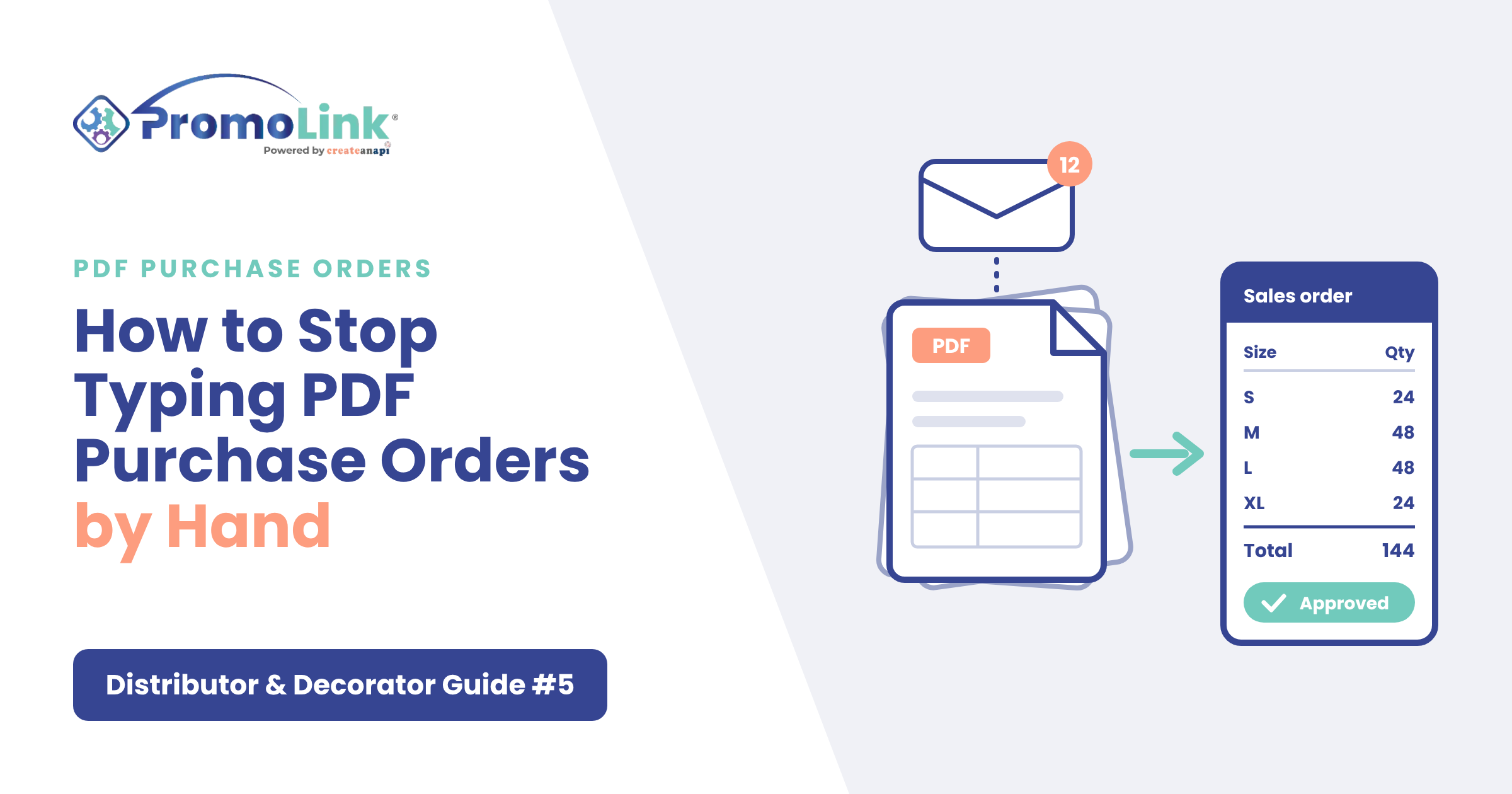 GuideB2B How to Stop Typing PDF Purchase Orders by Hand Alternatives to typing PDF purchase orders by hand: electronic POs, templates and AI order entry, when each fits, and how to tell if it's costing you. Nov 6, 2026](https://www.promolink.io/blog/how-to-stop-typing-pdf-purchase-orders-by-hand)
### [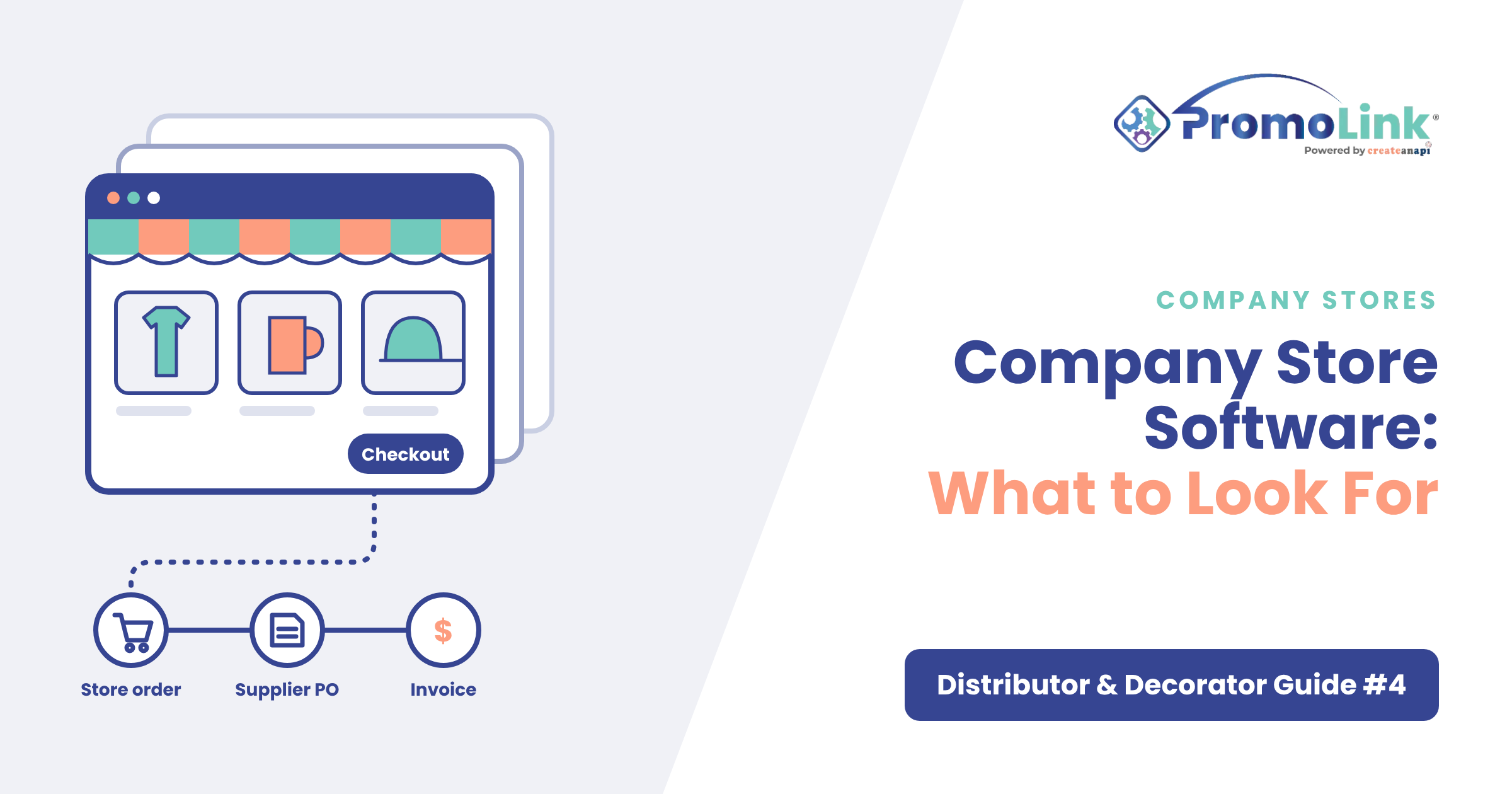 GuideB2B Company Store Software for Promo Distributors: What to Look For Company store software for promo distributors: when stores pay off, what punchout is, how to measure profitability and what to check before launch. Nov 2, 2026](https://www.promolink.io/blog/company-store-software-for-promo-distributors-what-to-look-for)
## Follow Us on Social Media
Contents
On this page

End-to-end platform that manages your entire promo workflow.
One ecosystem. Every connection.
Modular when you need it.
[Book a demo](https://www.promolink.io/request-a-demo)[Read our blog](https://www.promolink.io/blog)
##### Distributors
[Overview](https://www.promolink.io/distributors) [Solutions](https://www.promolink.io/distributor-solutions) [Integrations](https://www.promolink.io/integrations)
[Sales Team Suite](https://www.promolink.io/sales-team-suite-distributor) [Storefront Suite](https://www.promolink.io/storefront-suite-distributor) [AI PDF Order Entry](https://www.promolink.io/ai-pdf-order-entry)
[Pricing](https://www.promolink.io/distributor-pricing)
##### Decorators
[Overview](https://www.promolink.io/decorators) [Solutions](https://www.promolink.io/decorator-solutions) [Integrations](https://www.promolink.io/integrations)
[Sales Team Suite](https://www.promolink.io/sales-team-suite-decorator) [Storefront Suite](https://www.promolink.io/storefront-suite-decorator) [AI PDF Order Entry](https://www.promolink.io/ai-pdf-order-entry)
[Pricing](https://www.promolink.io/decorator-pricing)
##### Suppliers
[Overview](https://www.promolink.io/suppliers) [Integrations](https://www.promolink.io/integrations)
[Supplier Product Manager](https://www.promolink.io/suppliers-product-manager) [EPO Solution](https://www.promolink.io/electronic-purchase-order) [SAGE Integration](https://www.promolink.io/sage-integration) [AI PDF Order Entry](https://www.promolink.io/ai-pdf-order-entry)
[Pricing](https://www.promolink.io/supplier-pricing)
##### Modules
For distributors & decorators
[ShowCase](https://www.promolink.io/showcase) [Sales Order](https://www.promolink.io/sales-order) [Storefront](https://www.promolink.io/storefront) [Purchase Order](https://www.promolink.io/purchase-orders)
[Supplier Index](https://www.promolink.io/supplier-index)
San Tan Valley, AZinfo@promolink.io888 977 4540
© 2026 PromoLink. All Rights Reserved.
[Privacy Policy](https://www.promolink.io/privacy-policy) [Terms of Use](https://www.promolink.io/terms-of-use) [Data Processing Policy](https://www.promolink.io/data-processing-policy)
```json
{
"@context" : "https://schema.org",
"@type" : "BlogPosting",
"author" : {
"@type" : "Person",
"name" : "Amy Rabideau",
"url" : "https://www.promolink.io/blog/author/amy-rabideau"
},
"dateModified" : "2026-11-20T19:50:26.541Z",
"datePublished" : "2026-11-20T19:50:26.000Z",
"headline" : "Where's My Order? Tracking Promo Orders Without Calling Suppliers",
"image" : [ "https://www.promolink.io/hubfs/BLOG-8-banner-1200x630.png" ],
"mainEntityOfPage" : {
"@id" : "https://www.promolink.io/blog/wheres-my-order-tracking-promo-orders-without-calling-suppliers",
"@type" : "WebPage"
},
"publisher" : {
"@type" : "Organization",
"logo" : {
"@type" : "ImageObject",
"url" : "https://www.promolink.io/hubfs/PromoLink_R_2024_RGB-1-1.png"
},
"name" : "CreateAnAPI"
}
}
```