---
title: How to Stop Typing PDF Purchase Orders by Hand
description: "Alternatives to typing PDF purchase orders by hand: electronic POs, templates and AI order entry, when each fits, and how to tell if it's costing you."
image: https://www.promolink.io/hubfs/BLOG-6-banner-1200x630.png
---
[](https://www.promolink.io/)
- [Distributors](https://www.promolink.io/distributors)
[Overview](https://www.promolink.io/distributors) [Solutions](https://www.promolink.io/distributor-solutions) [Integrations](https://www.promolink.io/integrations)
- [Decorators](https://www.promolink.io/decorators)
[Overview](https://www.promolink.io/decorators) [Solutions](https://www.promolink.io/decorator-solutions) [Integrations](https://www.promolink.io/integrations)
- [Suppliers](https://www.promolink.io/suppliers)
[Overview](https://www.promolink.io/suppliers) [Solutions](https://www.promolink.io/suppliers-solutions) [Integrations](https://www.promolink.io/integrations)
- Solutions
Distributor
Supplier
Decorator
Enterprise
[Sales Team Suite](https://www.promolink.io/sales-team-suite-distributor) [Storefront Suite](https://www.promolink.io/storefront-suite-distributor) [AI PDF Order Entry](https://www.promolink.io/ai-pdf-order-entry)
A La Carte
[Supplier Index](https://www.promolink.io/supplier-index) [ShowCase](https://www.promolink.io/showcase) [Sales Order](https://www.promolink.io/sales-order) [Storefront](https://www.promolink.io/storefront) [Purchase Order](https://www.promolink.io/purchase-orders)
[All distributor solutions](https://www.promolink.io/distributor-solutions)
Supplier Solutions
[Supplier Product Manager](https://www.promolink.io/suppliers-product-manager) [AI PDF Order Entry](https://www.promolink.io/ai-pdf-order-entry) [Electronic Purchase Order](https://www.promolink.io/electronic-purchase-order) [Sage Integration](https://www.promolink.io/sage-integration)
[All supplier solutions](https://www.promolink.io/suppliers-solutions)
Enterprise
[AI PDF Order Entry](https://www.promolink.io/ai-pdf-order-entry) [Sales Team Suite](https://www.promolink.io/sales-team-suite-decorator) [Storefront Suite](https://www.promolink.io/storefront-suite-decorator)
A La Carte
[Supplier Index](https://www.promolink.io/supplier-index) [ShowCase](https://www.promolink.io/showcase) [Sales Order](https://www.promolink.io/sales-order) [Storefront](https://www.promolink.io/storefront) [Purchase Order](https://www.promolink.io/purchase-orders)
[All decorator solutions](https://www.promolink.io/decorator-solutions)
- Pricing
[Distributor](https://www.promolink.io/distributor-pricing) [Decorator](https://www.promolink.io/decorator-pricing) [Supplier](https://www.promolink.io/supplier-pricing)
- [Resources](https://www.promolink.io/blog)
[Blog](https://www.promolink.io/blog)
[Book a demo →](https://www.promolink.io/request-a-demo)
1. [Home](https://www.promolink.io/)
2. [Blog](https://www.promolink.io/blog)
3. How to Stop Typing PDF Purchase Orders by Hand
[← Back to blog](https://www.promolink.io/blog) [Read next: Company Store Software for Promo Distributors: What to Look For](https://www.promolink.io/blog/company-store-software-for-promo-distributors-what-to-look-for)
[Guide](https://www.promolink.io/blog?topic=guide) [B2B](https://www.promolink.io/blog?topic=b2b)
# How to Stop Typing PDF Purchase Orders by Hand
Alternatives to typing PDF purchase orders by hand: electronic POs, templates and AI order entry, when each fits, and how to tell if it's costing you.
 Amy Rabideau November 6, 2026 10 min read

On this page
## Why are we still typing purchase orders by hand?
Because purchase orders arrive in as many formats as there are senders. Every customer's procurement system, every distributor and every paper form has its own layout, and most order systems only accept orders that are already structured. Until something converts the PDF, someone has to read it and type it in.
I'm often asked which part of the order process teams most want back. My answer is almost always the same: the hours spent retyping POs.
This happens on every side of promo. Distributors receive customer POs as PDFs. Suppliers receive distributor POs by email, as attachments or in the message body, from distributors who don't send electronic orders. Decorators receive orders from many distributors, each in its own layout.
If any of these sound familiar, you're not alone:
- POs arrive in a dozen different formats, and every one gets retyped.
- Orders sit in an inbox between the time they arrive and the time they're ready to process.
- A transposed quantity or wrong size is found after production, not before.
- In busy weeks, orders back up waiting for someone to enter them.
- One or two people know how each customer's PO "really" works.
None of that is a people problem. It's a process problem, and it's solvable.
## Why does the time between a PO and an order matter?
Because clients expect speed. In PPAI's September 2025 survey of PPAI 100 distributors, 68.9% said buyers prioritize faster turnaround and rush delivery, and 76.1% said clients want faster fulfillment. Every hour a PO waits to be entered comes out of that turnaround before production has even started.
AI is one way to shorten the wait, and our industry is still early in using it here. PPAI's 2026 research found nearly all PPAI 100 distributors using or testing AI, mostly for marketing content, sales emails and artwork. Order entry isn't yet among the most common uses. That's an opportunity, not a gap.
## How do you know if manual order entry is costing you?
Look at three things you already have: how many PDF orders arrive, how long they wait before they're entered, and what entry mistakes have cost you recently. You don't need a stopwatch. The data is already in your inbox and your order system.
**Count the volume.** How many PDF purchase orders arrived last month? Your inbox or order system can tell you in minutes. Note who sent them: usually a few senders account for much of the volume, and that's where any change pays off first.
**Check the wait.** Compare when each PO email arrived with when the order was created in your system. Both are already recorded. The gap matters to clients waiting on a confirmation, even when the typing itself is quick.
**Recall the mistakes.** Think back over the last few months: reprints, reshipments, credits or rush charges caused by something entered wrong. On a decorated order, one wrong size run or color can cost more than many hours of typing.
If you want a rough figure for the typing itself, time five to ten typical POs once and multiply the average by your monthly volume. It's optional; the three checks above usually tell you enough.
The numbers aren't the only signal. A few are easy to spot in any promo business:
- **The people entering POs are the people clients want to talk to.** In many teams, CSRs and account managers key the orders. In the same PPAI survey, 76.1% of PPAI 100 distributors said clients ask for strong account management and consultative service. Every hour spent typing is an hour not spent on the relationship.
- **In-hands dates get squeezed before production starts.** When a PO sits for a day before it's entered, the supplier and decorator get a day less, and rush charges become more likely.
- **Your busiest weeks are the hardest to get through.** When volume peaks, entry falls behind first. If POs waited longer in your busiest week, or the team stayed late to catch up, entry is setting your capacity.
- **Nobody can say which POs are still waiting.** If the only way to know what hasn't been entered is to scroll through an inbox, orders can slip without anyone noticing.
## Which fields should you check when an order goes wrong?
Check the fields that change what gets produced, shipped or billed. In promo, start here:
- **Size breakdowns:** do the sizes add up to the line quantity?
- **Colors:** does the color name match the supplier's exact color for that item?
- **Item numbers:** is it the supplier's part number, or the customer's own SKU?
- **Dates:** was the in-hands date entered as the in-hands date, not the ship date?
- **Decoration:** method, location, number of colors and artwork, often buried in notes.
- **Ship-to addresses:** especially on split shipments.
- **Charges:** setup, run, rush and freight.
When you look back at past mistakes, note which field caused each one. Those are the fields to fix first, whichever method you choose. You can't improve what you don't measure.
## What are the alternatives to entering purchase orders by hand?
There are three main alternatives: electronic purchase orders, where the order arrives as data instead of a document; template-based capture, where software reads fixed PO layouts; and AI order entry, which reads PDF layouts without fixed templates. Which one fits depends on who sends you POs, how many layouts you receive and how often they change. Manual entry still has its place, too. Here's when each one fits.
### Electronic purchase orders: when both sides support them
If the order can arrive as data instead of a document, there's nothing to read or type. Between distributors and suppliers, the PromoStandards Purchase Order service does exactly that: the distributor's system sends the order in a standard format, and the supplier's system receives it. PromoStandards lists less manual order entry and more accurate entry of custom orders among the benefits of its standards.
**When it fits:** a supplier and distributor who trade regularly and can both send and receive PromoStandards POs. If you're a supplier receiving lots of PDF POs from distributors whose systems support electronic ordering, offering electronic POs is often the most direct fix.
**Where it doesn't reach:** end customers sending POs to distributors usually don't use PromoStandards, and not every supplier or distributor supports it yet. For enterprise clients that buy through procurement systems, a punchout connection to a store can play a similar role on the customer side.
### Manual entry: when volume is low
A person reads the PDF and keys each field. It handles any layout and needs no setup.
**When it fits:** low or occasional PO volume, or one-off senders. If you receive only a handful of POs a week and they rarely cause mistakes, manual entry with a simple checklist may be all you need.
### Template-based capture: when a few layouts repeat
The software is told where each field sits on a specific layout and reads it the same way every time.
**When it fits:** most of your volume comes from a few senders whose layouts rarely change. Every new layout, or change to an existing one, needs new setup, so it suits stable, repeating documents.
### AI order entry: when layouts are many or change often
AI reads the document by layout and wording rather than fixed positions, and maps the values into an order. It can read layouts it hasn't seen before, and instructions per customer make results consistent for repeat senders. Good tools read scanned PDFs too, and keep a person in the loop to review each order before it's saved.
**When it fits:** many senders, many layouts, or layouts that change, which is common for distributors with many corporate clients and for decorators with many distributor customers.
Most teams end up using more than one: electronic POs where partners support them, and one of the other methods for everything else. It's not either-or. It's the right tool for each sender.
## How do you get customers to send purchase orders in a standard format?
Ask for consistency, not a new system. Most customers can't change the software that produces their POs, but small changes on their side can remove a lot of work on yours.
Things worth asking frequent senders for:
- One layout, every time, rather than a mix of templates or free-form emails.
- The supplier's item number and color name, if they know them, alongside their own SKU.
- Sizes as a breakdown, not only a total.
- A clearly labeled in-hands date, separate from any ship date.
- Decoration details in a consistent place, with artwork attached to the same email.
- One PO per email, with the PO number in the subject line.
For your largest accounts, ask whether their procurement system can send orders electronically, or whether they'd buy through a [punchout connection](https://www.promolink.io/blog/company-store-software-for-promo-distributors-what-to-look-for) to a store you run for them.
When you ask, lead with what they get: faster confirmations and fewer follow-up questions about their order. It's a partnership conversation, not a compliance request.
## What should you ask before choosing a tool?
Whatever tool you look at, test it on your own POs and ask:
1. Can you show it working on our actual documents, including our hardest ones?
2. Where does the order end up, and does it need to be exported or re-entered from there?
3. How are items, colors and sizes checked against what the supplier actually sells?
4. What happens when a value is missing or unclear?
5. How do we review an order before it's saved, and who approves it?
6. When a customer changes their layout, who updates the setup, and how long does it take?
7. How is it priced as our volume grows?
The first question matters most. A demo on someone else's clean PDF tells you very little about your messiest Tuesday.
## How PromoLink fits
PromoLink's [AI PDF Order Entry](https://www.promolink.io/ai-pdf-order-entry) works inside Sales Order to turn digital or scanned PDF purchase orders into sales orders, checking items, colors and sizes against supplier data and flagging discrepancies for your team to review and approve, with the same tool available to suppliers keying in distributor PDFs. For partners who trade electronically, PromoLink sends [PromoStandards electronic purchase orders](https://www.promolink.io/electronic-purchase-order), and falls back to email for suppliers who don't support them yet.
## Start with what you already know
When we talk about order entry, we're really talking about three things: Trust, Transparency, and Experience. Getting POs in faster and cleaner isn't just an internal operational win. It's what gives your CSRs time back for clients, protects your in-hands dates, and keeps the mistakes off the production floor.
Reducing manual entry starts with knowing where the time goes. Once you know which senders, which fields and which delays cost you most, the right method usually becomes clear, and it's often a mix.
So this week, count last month's PDF orders, check how long they waited, and think back to the last order that was entered wrong. Share it with your team, and compare notes with peers who've made the same change, because a peer-validated answer beats trial and error every time. And if you'd like a second set of eyes, [we're always happy to talk it through](https://www.promolink.io/request-a-demo). We rise together.
**[Let's talk](https://www.promolink.io/request-a-demo)**
## Sources
- PromoStandards, [How PromoStandards Makes Your Business Better](https://promostandards.org/how-promostandards-makes-your-business-better/) (Purchase Order service and stated benefits)
- PPAI, [PPAI Research: AI Use Becoming Ubiquitous Among Branded Merch Firms](https://www.ppai.org/media-hub/ppai-research-ai-use-becoming-ubiquitous-among-branded-merch-firms/) (July 2026)
- PPAI, [Distributor Insights: What End Buyers Value in 2025](https://www.ppai.org/wp-content/uploads/2025/10/Distributor-Insights-What-End-Buyers-Value-in-2025.pdf) (September 2025)
Share this article
[LinkedIn](https://www.linkedin.com/sharing/share-offsite/?url=https%3A%2F%2Fwww.promolink.io%2Fblog%2Fhow-to-stop-typing-pdf-purchase-orders-by-hand) [X](https://twitter.com/intent/tweet?url=https%3A%2F%2Fwww.promolink.io%2Fblog%2Fhow-to-stop-typing-pdf-purchase-orders-by-hand&text=How+to+Stop+Typing+PDF+Purchase+Orders+by+Hand) [Facebook](https://www.facebook.com/sharer/sharer.php?u=https%3A%2F%2Fwww.promolink.io%2Fblog%2Fhow-to-stop-typing-pdf-purchase-orders-by-hand)
Copy link

Written by
Amy Rabideau
Client & Community Engagement | Board Member & Mentor | ESG Advocate
## You might also like
[View all posts →](https://www.promolink.io/blog)
### [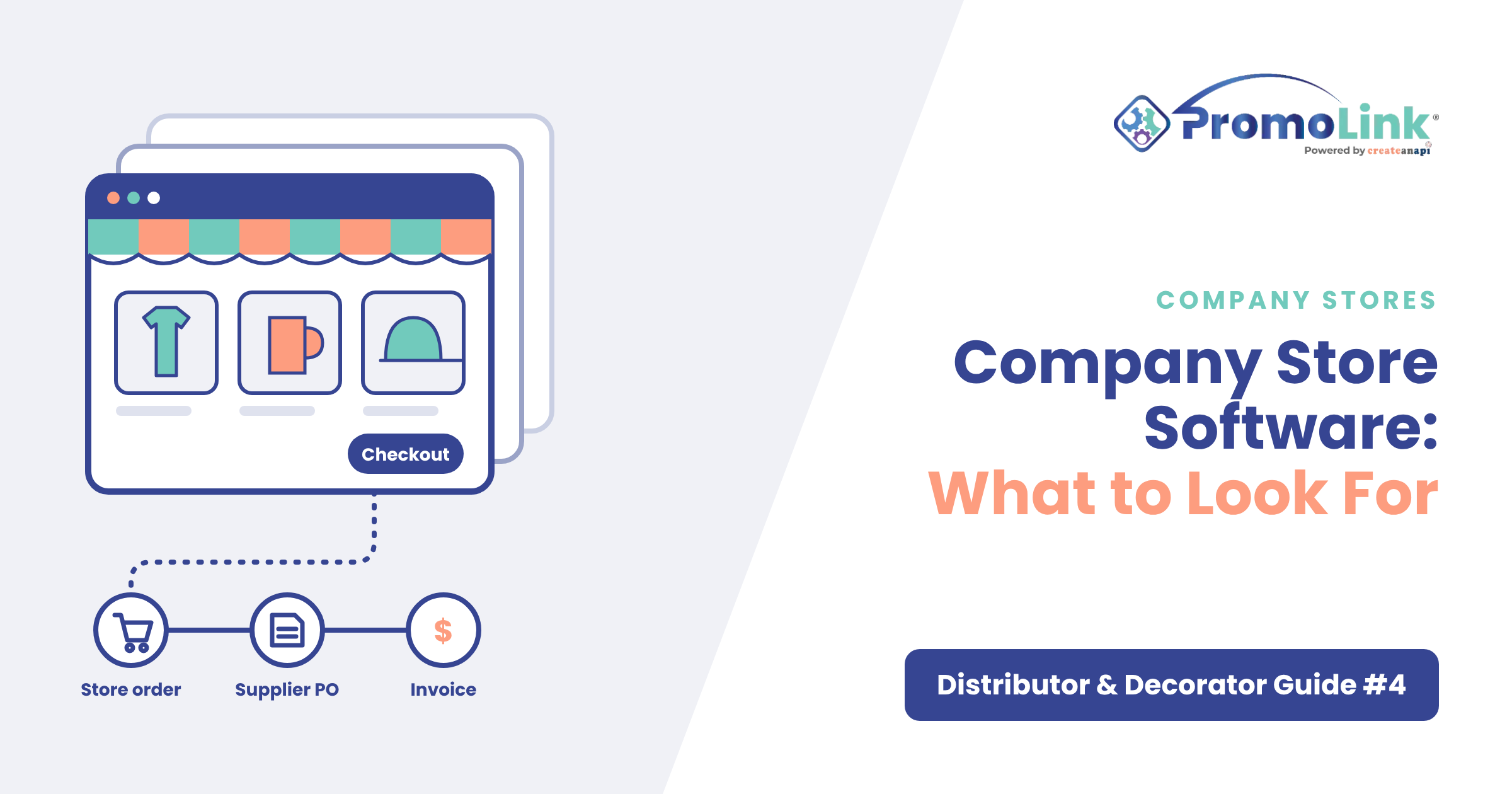 GuideB2B Company Store Software for Promo Distributors: What to Look For What is a company store? A company store is a private online store where a company's employees, clients or partners order pre-approved branded merchandise. A promotional … Nov 2, 2026 8 min read](https://www.promolink.io/blog/company-store-software-for-promo-distributors-what-to-look-for)
### [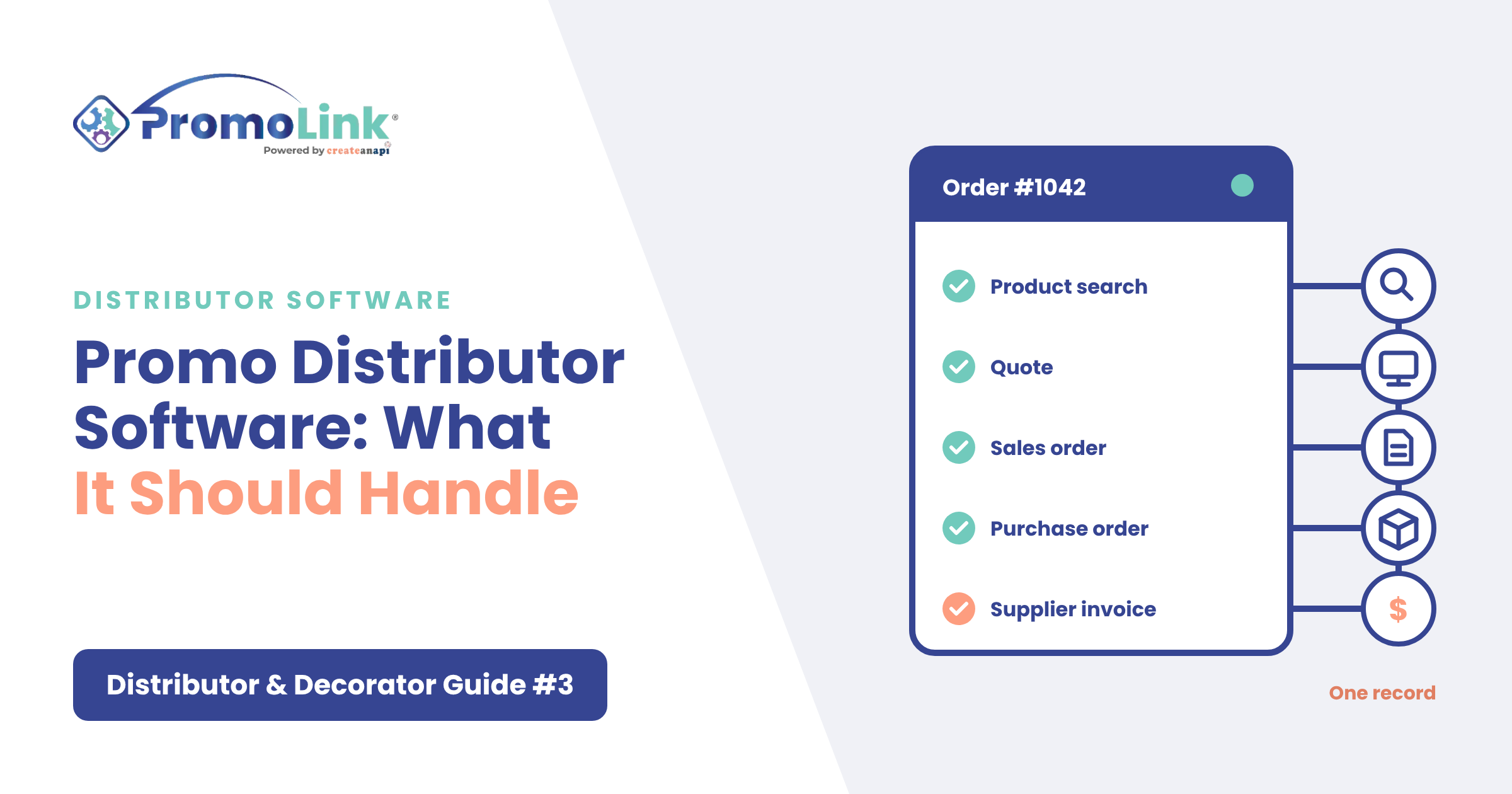 GuideB2B Promo Distributor Software: What It Should Handle, Search to Invoice What is promotional products distributor software? Promotional products distributor software is what a promo sales team uses to find products, present them to clients, tu… Oct 30, 2026 8 min read](https://www.promolink.io/blog/promo-distributor-software-what-it-should-handle-search-to-invoice)
### [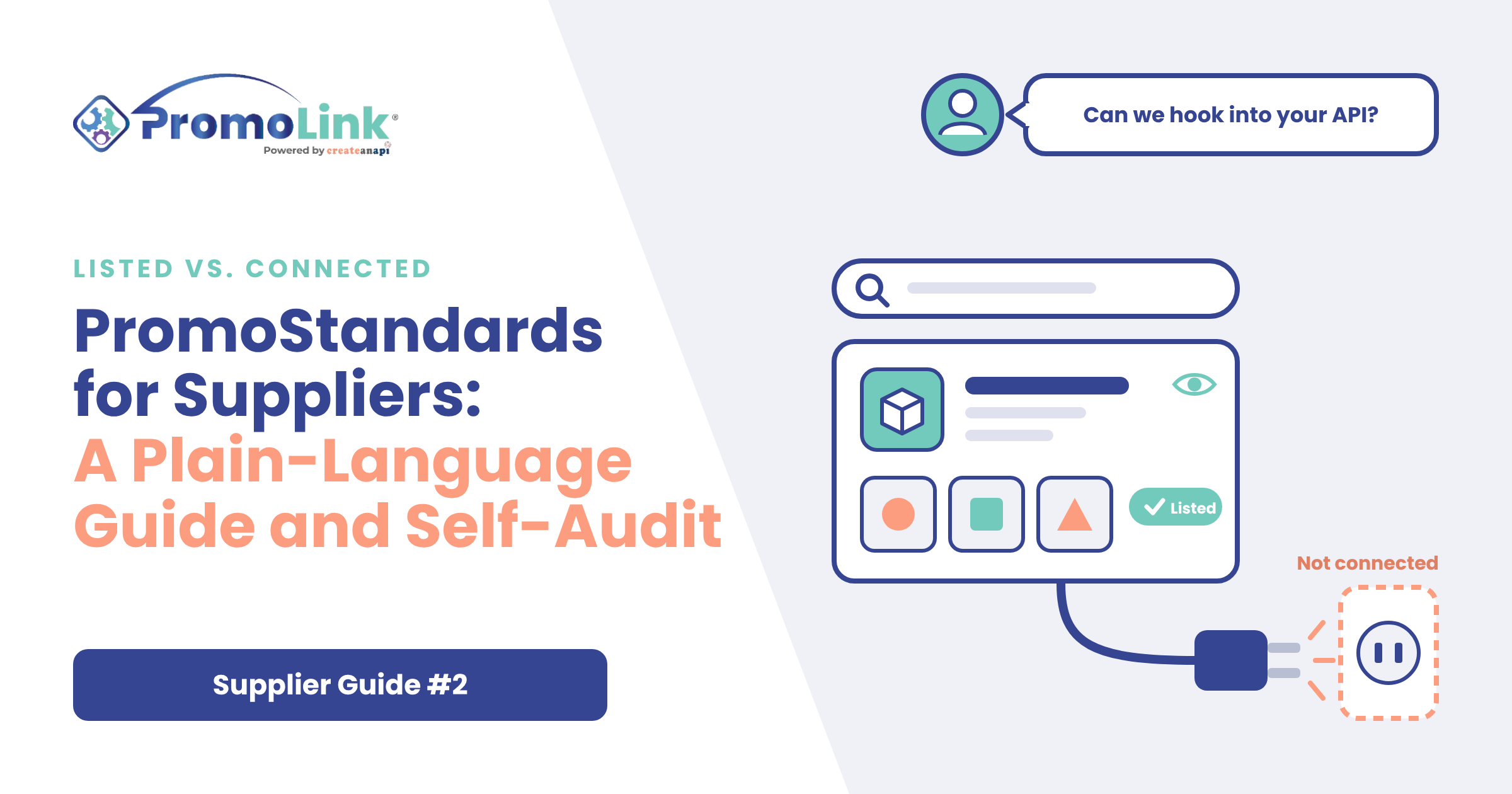 GuideB2B PromoStandards for Suppliers: A Plain-Language Guide and Self-Audit "Do you have a PromoStandards API we can hook into?" If you supply promotional or decorated products, you've almost certainly received that email. And if you're like most… Oct 16, 2026 14 min read](https://www.promolink.io/blog/promostandards-for-suppliers-a-plain-language-guide-and-self-audit)
## Follow Us on Social Media
Contents
On this page

End-to-end platform that manages your entire promo workflow.
One ecosystem. Every connection.
Modular when you need it.
[Book a demo](https://www.promolink.io/request-a-demo)[Read our blog](https://www.promolink.io/blog)
##### Distributors
[Overview](https://www.promolink.io/distributors) [Solutions](https://www.promolink.io/distributor-solutions) [Integrations](https://www.promolink.io/integrations)
[Sales Team Suite](https://www.promolink.io/sales-team-suite-distributor) [Storefront Suite](https://www.promolink.io/storefront-suite-distributor) [AI PDF Order Entry](https://www.promolink.io/ai-pdf-order-entry)
[Pricing](https://www.promolink.io/distributor-pricing)
##### Decorators
[Overview](https://www.promolink.io/decorators) [Solutions](https://www.promolink.io/decorator-solutions) [Integrations](https://www.promolink.io/integrations)
[Sales Team Suite](https://www.promolink.io/sales-team-suite-decorator) [Storefront Suite](https://www.promolink.io/storefront-suite-decorator) [AI PDF Order Entry](https://www.promolink.io/ai-pdf-order-entry)
[Pricing](https://www.promolink.io/decorator-pricing)
##### Suppliers
[Overview](https://www.promolink.io/suppliers) [Integrations](https://www.promolink.io/integrations)
[Supplier Product Manager](https://www.promolink.io/suppliers-product-manager) [EPO Solution](https://www.promolink.io/electronic-purchase-order) [SAGE Integration](https://www.promolink.io/sage-integration) [AI PDF Order Entry](https://www.promolink.io/ai-pdf-order-entry)
[Pricing](https://www.promolink.io/supplier-pricing)
##### Modules
For distributors & decorators
[ShowCase](https://www.promolink.io/showcase) [Sales Order](https://www.promolink.io/sales-order) [Storefront](https://www.promolink.io/storefront) [Purchase Order](https://www.promolink.io/purchase-orders)
[Supplier Index](https://www.promolink.io/supplier-index)
San Tan Valley, AZinfo@promolink.io888 977 4540
© 2026 PromoLink. All Rights Reserved.
[Privacy Policy](https://www.promolink.io/privacy-policy) [Terms of Use](https://www.promolink.io/terms-of-use) [Data Processing Policy](https://www.promolink.io/data-processing-policy)
```json
{
"@context" : "https://schema.org",
"@type" : "BlogPosting",
"author" : {
"@type" : "Person",
"name" : "Amy Rabideau",
"url" : "https://www.promolink.io/blog/author/amy-rabideau"
},
"dateModified" : "2026-11-06T13:00:35.218Z",
"datePublished" : "2026-11-06T13:00:35.000Z",
"headline" : "How to Stop Typing PDF Purchase Orders by Hand",
"image" : [ "https://www.promolink.io/hubfs/BLOG-6-banner-1200x630.png" ],
"mainEntityOfPage" : {
"@id" : "https://www.promolink.io/blog/how-to-stop-typing-pdf-purchase-orders-by-hand",
"@type" : "WebPage"
},
"publisher" : {
"@type" : "Organization",
"logo" : {
"@type" : "ImageObject",
"url" : "https://www.promolink.io/hubfs/PromoLink_R_2024_RGB-1-1.png"
},
"name" : "CreateAnAPI"
}
}
```