---
title: "ePO vs. Email POs: How Promo Distributors Send Orders to Suppliers"
description: What an ePO is, when an emailed PO still makes sense, and how promo distributors can move suppliers to electronic orders without failed or lost POs.
image: https://www.promolink.io/hubfs/BLOG-9-banner-1200x630.png
---
[](https://www.promolink.io/)
- [Distributors](https://www.promolink.io/distributors)
[Overview](https://www.promolink.io/distributors) [Solutions](https://www.promolink.io/distributor-solutions) [Integrations](https://www.promolink.io/integrations)
- [Decorators](https://www.promolink.io/decorators)
[Overview](https://www.promolink.io/decorators) [Solutions](https://www.promolink.io/decorator-solutions) [Integrations](https://www.promolink.io/integrations)
- [Suppliers](https://www.promolink.io/suppliers)
[Overview](https://www.promolink.io/suppliers) [Integrations](https://www.promolink.io/integrations)
- Solutions
Distributor
Supplier
Decorator
Enterprise
[Sales Team Suite](https://www.promolink.io/sales-team-suite-distributor) [Storefront Suite](https://www.promolink.io/storefront-suite-distributor) [AI PDF Reader](https://www.promolink.io/pdf-ai-order)
A La Carte
[Supplier Index](https://www.promolink.io/supplier-index) [ShowCase](https://www.promolink.io/showcase) [Sales Order](https://www.promolink.io/sales-order) [Storefront](https://www.promolink.io/storefront) [Purchase Order](https://www.promolink.io/purchase-orders)
[All distributor solutions](https://www.promolink.io/distributor-solutions)
Supplier Solutions
[Supplier Product Manager](https://www.promolink.io/suppliers-product-manager) [AI PDF Reader](https://www.promolink.io/pdf-ai-order) [Electronic Purchase Order](https://www.promolink.io/electronic-purchase-order) [Sage Integration](https://www.promolink.io/sage-integration)
Enterprise
[AI PDF Reader](https://www.promolink.io/pdf-ai-order) [Sales Team Suite](https://www.promolink.io/sales-team-suite-decorator) [Storefront Suite](https://www.promolink.io/storefront-suite-decorator)
A La Carte
[Supplier Index](https://www.promolink.io/supplier-index) [ShowCase](https://www.promolink.io/showcase) [Sales Order](https://www.promolink.io/sales-order) [Storefront](https://www.promolink.io/storefront) [Purchase Order](https://www.promolink.io/purchase-orders)
[All decorator solutions](https://www.promolink.io/decorator-solutions)
- Pricing
[Distributor](https://www.promolink.io/distributor-pricing) [Decorator](https://www.promolink.io/decorator-pricing) [Supplier](https://www.promolink.io/supplier-pricing)
- [Resources](https://www.promolink.io/blog)
[Blogs](https://www.promolink.io/blog) [Webinars](https://www.promolink.io/webinars)
[Book a demo →](https://www.promolink.io/request-a-demo)
1. [Home](https://www.promolink.io/)
2. [Blog](https://www.promolink.io/blog)
3. ePO vs. Email POs: How Promo Distributors Send Orders to Suppliers
[← Back to blog](https://www.promolink.io/blog) [Read next: Where's My Order? Tracking Promo Orders Without Calling Suppliers](https://www.promolink.io/blog/wheres-my-order-tracking-promo-orders-without-calling-suppliers)
[Guide](https://www.promolink.io/blog?topic=guide) [B2B](https://www.promolink.io/blog?topic=b2b)
# ePO vs. Email POs: How Promo Distributors Send Orders to Suppliers
What an ePO is, when an emailed PO still makes sense, and how promo distributors can move suppliers to electronic orders without failed or lost POs.
 Amy Rabideau November 24, 2026 10 min read

On this page
## Every promo order ends with a purchase order
For most distributors, that still means a PDF attached to an email. Someone at the supplier reads it and types it into their own system.
That retyping is where many order problems begin: a size keyed wrong, a color picked from the wrong list, a decoration note missed. Electronic purchase orders, usually called ePOs, remove that step for suppliers that accept them. But "we have a PromoStandards connection" and "this supplier is ready for our ePOs" are not the same thing, and the gap between them is exactly where orders get lost.
I'm often asked why a distributor with supplier credentials can't just switch everything to ePO tomorrow. My answer is always the same: credentials open the door, but both sides still have to be ready to walk through it.
This guide covers what an ePO is, when email is still the better choice, and how to move suppliers over without risking real orders. Looking for the other direction, PDF orders coming in from your clients? See [How to Stop Typing PDF Purchase Orders by Hand](https://www.promolink.io/blog/how-to-stop-typing-pdf-purchase-orders-by-hand).
## What is an ePO in promotional products?
An ePO is a purchase order sent from your system straight into the supplier's system as structured data, not as a PDF. In promo, it usually uses the PromoStandards Purchase Order service, so part numbers, quantities, decoration details and ship-to addresses arrive in fields the supplier's system can read without anyone retyping them.
PromoStandards is our industry's nonprofit standards organization. Purchase Order is one of its transaction services, along with Invoice, and each supplier decides whether to offer it. Many suppliers that publish product data, inventory and pricing don't yet accept POs electronically, so it's worth checking service by service.
## How is an ePO different from an emailed PO?
An emailed PO is a document a person reads and retypes. An ePO is data a system reads directly. Both carry the same order. The difference is how many times it's handled by hand, how errors get caught, and how quickly you know the supplier has it.
| | Emailed PO | ePO |
| --- | --- | --- |
| Format | PDF or email body | Structured data through the supplier's PO service |
| At the supplier | Someone reads and retypes it | Arrives in their system directly |
| Errors | Found when someone notices, often later | Data problems are caught when the order is checked or submitted |
| Proof it arrived | Depends on a reply or acknowledgment | The supplier's system responds when it accepts the order |
| Order status afterward | Often by email or phone | Can be paired with Order Status and shipment data |
| Works with | Any supplier or decorator | Suppliers that support the PromoStandards PO service and have set you up |
If any of these sound familiar, you're not alone:
- A supplier keyed your order in the wrong color, and the fix cost you a reprint.
- You emailed a PO and found out a week later that nobody received it.
- A supplier calls back with questions about every decorated order.
- You have supplier credentials but aren't sure which suppliers actually accept electronic orders.
- An ePO failed, and nobody noticed until the in-hands date was at risk.
- Your team retypes the order into your system, then the supplier retypes it into theirs.
None of that is a people problem. It's a process problem, and it's solvable.
## When does an emailed PO still make sense?
Email is still the right choice for suppliers and decorators that don't accept electronic orders, for one-off vendors you rarely use, and as a backup when an electronic order fails. It's also the safe default during setup. The goal isn't to stop emailing POs. It's to stop retyping orders that could go electronically.
Most distributors will send both for years. Many contract decorators, local vendors and smaller suppliers work by email, and that's perfectly fine. What matters is that every PO, however it's sent, comes from the same order record. That way the details match, and you can always see what was sent, to whom, and when.
## What does a supplier need before it can accept your ePOs?
Credentials alone don't mean a supplier is ready. Before your ePOs will be processed, the supplier usually needs your account set up for electronic orders on their side, and sometimes answers about your preferences, such as how to handle partial shipments or backorders. Ask the supplier to confirm you're set up before you send a real order.
A few practical points:
- **Check that the PO service is live for you, not just listed in a directory.** A supplier may publish other services but not Purchase Order, or may enable it account by account.
- **Ask who to contact if an order fails.** You want a person or a monitored inbox, not a general address.
- **Agree on what "received" looks like.** Know how the supplier confirms an ePO was accepted, and what happens if it wasn't.
- **Keep email as a fallback.** If an electronic order is rejected, you need a fast way to get it to the supplier another way.
This is a partnership step, not a technical one. The best ePO connections start with a five-minute conversation.
## Why should you send a test PO first?
A test PO proves the connection works end to end before a real order depends on it. You send a small, clearly labeled order and confirm the supplier received it correctly, with the right items, decoration details and address. It's far cheaper to find a problem on a test than on a rush order.
Make the test impossible to miss: mark it as a test in the PO number and notes, and tell the supplier not to produce, ship or bill it. A test PO is still a real order in the supplier's system, so the heads-up matters. Some teams use the lowest-cost item in stock, or ship to the supplier's own address in case it's processed by mistake. If the test comes through cleanly, you're ready for real orders.
## What does a PO need to go through electronically?
An electronic order needs exact data: the supplier's own part IDs for each color and size, valid decoration methods and locations, artwork references, a complete ship-to address, and the dates and shipping instructions the supplier expects. A person can guess what a PDF meant. A system can't, so gaps show up as errors.
That's a good thing, even when it's frustrating. An error you see before the order goes out is far cheaper than one the supplier finds three days later. The most common issues:
- **Part IDs that don't match the supplier's current list,** often because the product changed or was discontinued.
- **Decoration details that don't fit what the supplier offers,** such as a location or method that isn't available on that item.
- **Missing artwork or instructions** that would have been "attached" to an email.
- **Incomplete addresses,** especially on orders split across several ship-to locations.
Orders built from current supplier data, rather than typed in by hand, avoid most of these. You can't automate what you can't trust. If you're checking how your current systems handle supplier data, [Seven Questions to Ask Anyone Selling You an Integration](https://www.promolink.io/blog/seven-questions-to-ask-anyone-selling-you-an-integration) is a great place to start.
## Can decorated orders be sent as ePOs?
Often, yes, when the supplier decorates and supports decoration details in its PO service. When blanks go to a separate decorator, there are two orders: one to the blank supplier, which may be electronic, and one to the decorator, which is often still email. The PromoStandards Best Practices committee is currently working on guidance for this contract decoration workflow.
Treat each leg as its own PO, with its own address and details. The blank PO ships to the decorator, and the decoration PO carries the art, locations and final ship-to. We covered how those two POs fit together, and where margin slips between them, in [The Multi-PO Challenge](https://www.promolink.io/blog/the-multi-po-operational-challenge-how-promolink-solves-the-industrys-hidden-margin-trap).
## Should a person still review a PO before it's sent?
Yes. An ePO removes retyping, not judgment. A person should check that the PO matches what the client approved, including quantities, decoration, dates and any special instructions, before it goes out. Electronic sending means the order arrives faster and cleaner, so it's worth making sure it's right first.
Review protects you, too. A PO is a commitment to buy, and a quick check by someone who knows the order catches what no system can, such as a client's last-minute change that hasn't made it into the order yet. Technology moves the order. People own it.
## Which suppliers should you move to ePO first?
Start where you already send the most POs, using your own order history. Suppliers you order from every week give you the biggest return on setup time. Then look at suppliers whose orders often come back with questions or errors. PPAI found 53% of distributors are using more preferred suppliers, which makes that short list even more valuable.
You likely have everything you need already: your PO history shows volume by supplier, and your inbox shows which suppliers ask the most follow-up questions. Suppliers that already show the PromoStandards Purchase Order service for your account are the easiest place to start.
## How PromoLink fits
In PromoLink, every supplier starts on email POs, and ePO unlocks for a supplier only after you accept an authorization statement and PromoLink sends an automatic test PO, marked as a test throughout. A person reviews every PO before it goes out, and order status, shipment and invoice data come back to the order whether it went by email or ePO.
## We rise together
When we talk about ePO, we're really talking about three things: Trust, Transparency, and Experience. Moving to electronic orders isn't just an internal operational win. It's one order record that both you and your supplier can trust, without anyone retyping it.
This week, look at your PO history and pick the three suppliers you send the most orders to. Check whether each one accepts electronic POs for your account. Share what you find with your purchasing team, and compare notes with peers who buy from the same suppliers, because a peer-validated answer beats trial and error every time. And if you'd like to talk through which of your suppliers are ready for ePO, we're always happy to help.
**[Let's talk](https://www.promolink.io/request-a-demo)**
## Sources
- PromoStandards, [How PromoStandards Makes Your Business Better](https://promostandards.org/how-promostandards-makes-your-business-better/).
- PromoStandards, [Intro to PromoStandards](https://promostandards.org/intro-to-promostandards/).
- PromoStandards, [September 2026 Committee Connections](https://promostandards.org/september-2026-committee-connections/), Sep 30, 2026.
- PPAI Research, [The Tariff Effects, From Refunds to End Buyers and Operations](https://www.ppai.org/media-hub/ppai-research-the-tariff-effects-from-refunds-to-end-buyers-and-operations/), Jun 17, 2026.
Share this article
[LinkedIn](https://www.linkedin.com/sharing/share-offsite/?url=https%3A%2F%2Fwww.promolink.io%2Fblog%2Fepo-vs.-email-pos-how-promo-distributors-send-orders-to-suppliers) [X](https://twitter.com/intent/tweet?url=https%3A%2F%2Fwww.promolink.io%2Fblog%2Fepo-vs.-email-pos-how-promo-distributors-send-orders-to-suppliers&text=ePO+vs.+Email+POs%3A+How+Promo+Distributors+Send+Orders+to+Suppliers) [Facebook](https://www.facebook.com/sharer/sharer.php?u=https%3A%2F%2Fwww.promolink.io%2Fblog%2Fepo-vs.-email-pos-how-promo-distributors-send-orders-to-suppliers)
Copy link

Written by
Amy Rabideau
Client & Community Engagement | Board Member & Mentor | ESG Advocate
## You might also like
[View all posts →](https://www.promolink.io/blog)
### [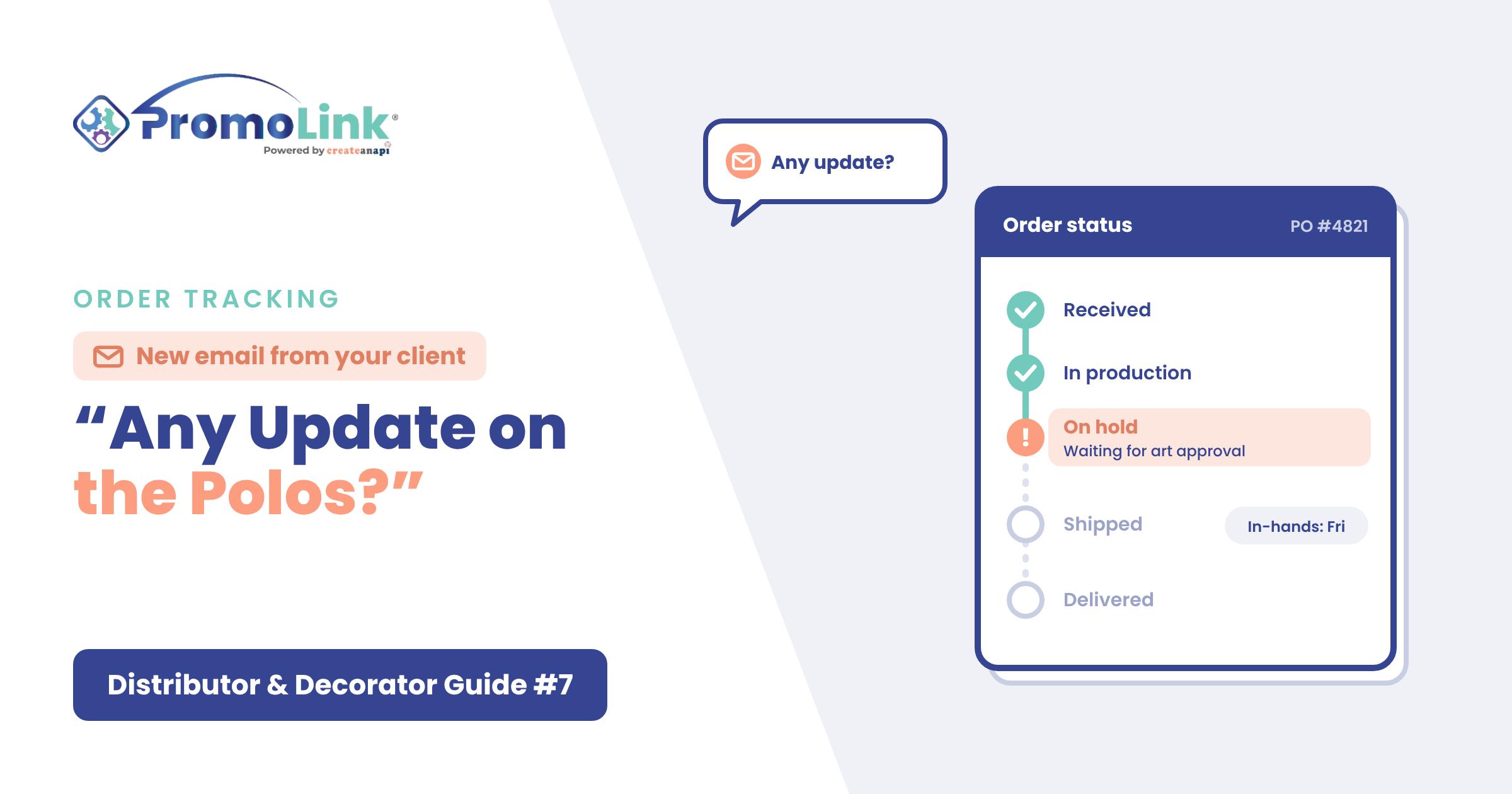 GuideB2B Where's My Order? Tracking Promo Orders Without Calling Suppliers How promo distributors can know where every order stands, what PromoStandards order status and shipment data show, and how to catch late orders early. Nov 20, 2026](https://www.promolink.io/blog/wheres-my-order-tracking-promo-orders-without-calling-suppliers)
### [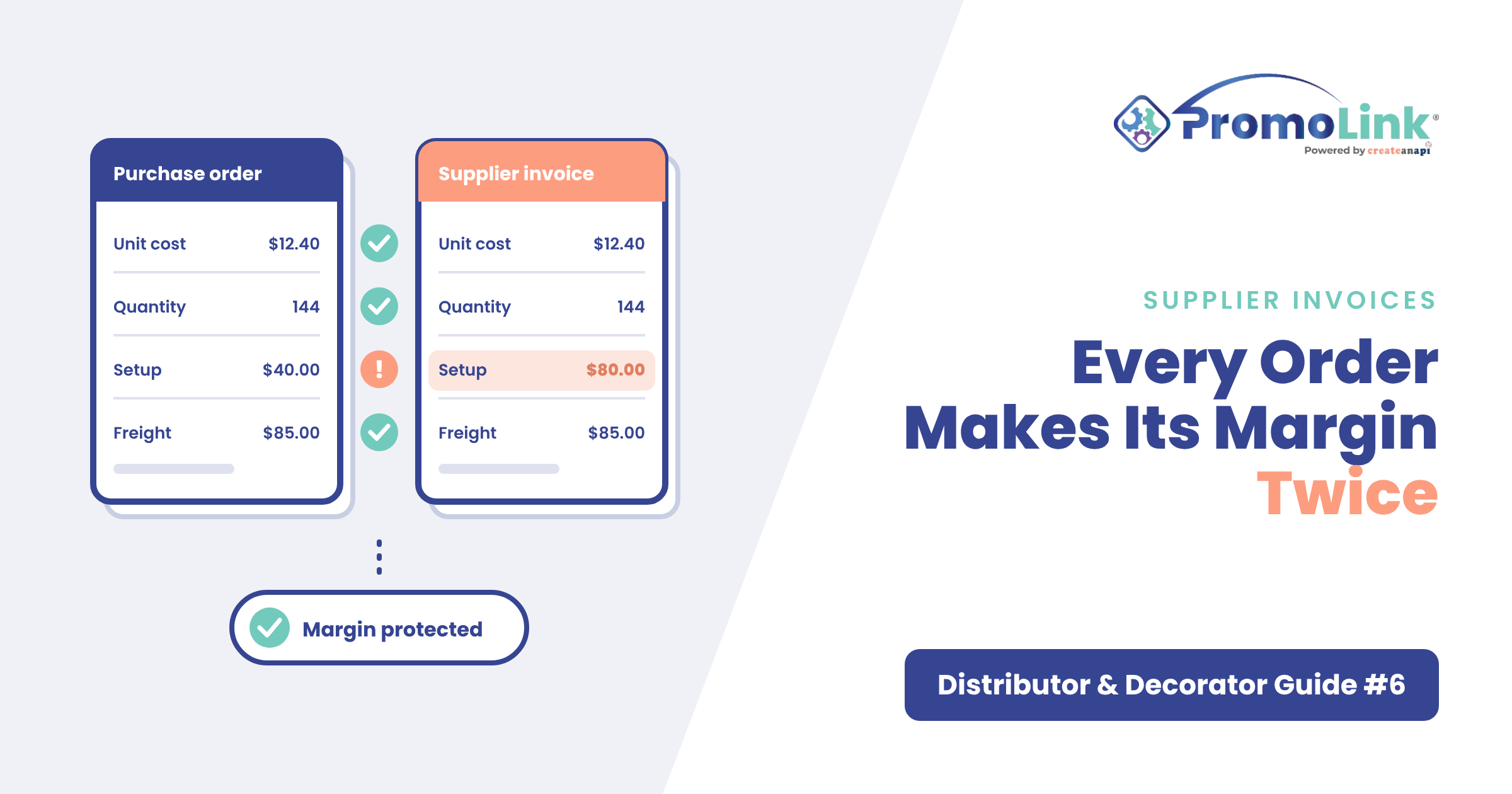 GuideB2B Matching Supplier Invoices to POs: A Guide for Promo Distributors Why supplier invoices don't match the PO on promo orders, what to check on every bill, and how to handle the gap before it reaches your margin. Nov 16, 2026](https://www.promolink.io/blog/matching-supplier-invoices-to-pos-a-guide-for-promo-distributors)
### [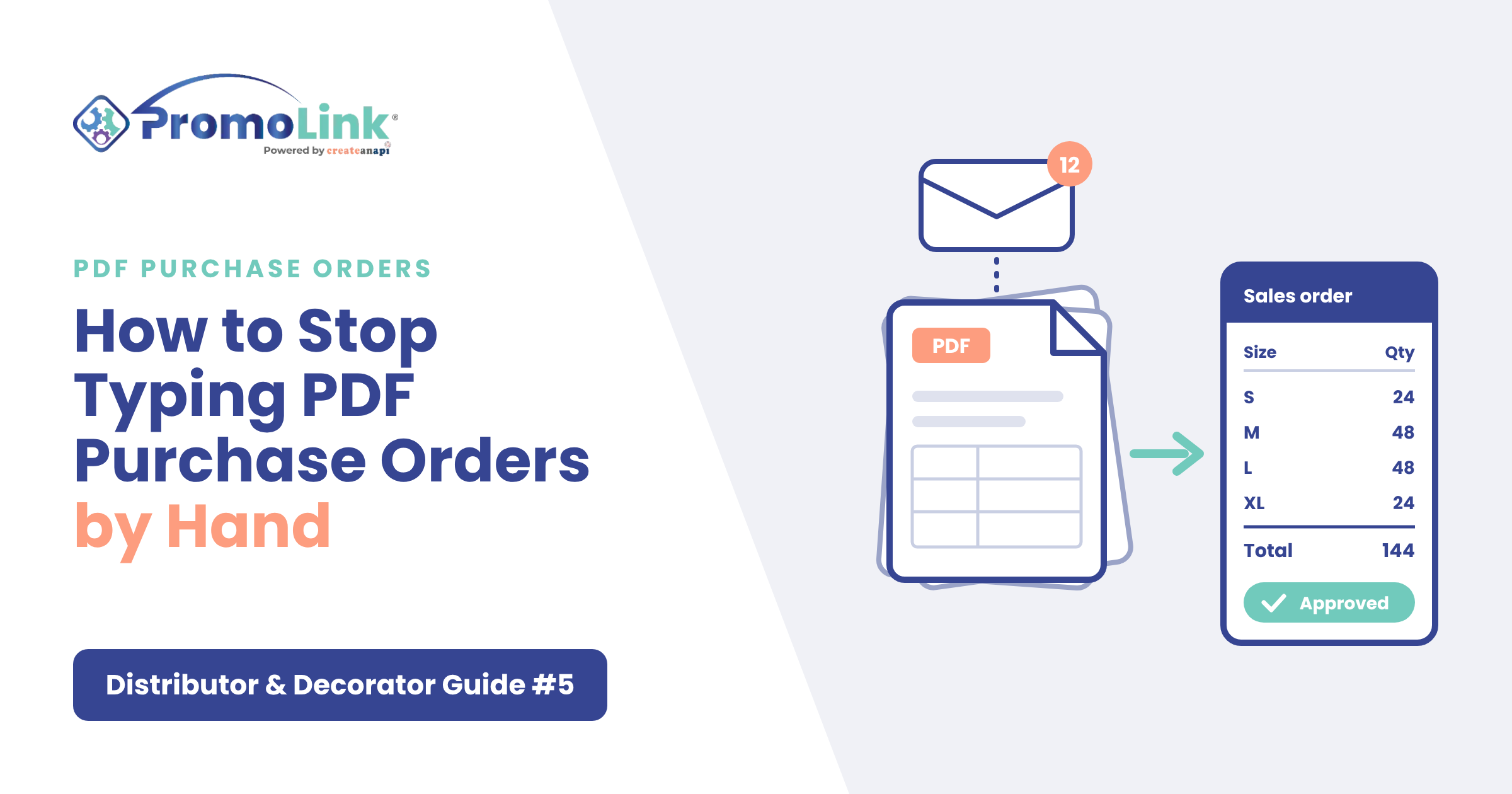 GuideB2B How to Stop Typing PDF Purchase Orders by Hand Alternatives to typing PDF purchase orders by hand: electronic POs, templates and AI order entry, when each fits, and how to tell if it's costing you. Nov 6, 2026](https://www.promolink.io/blog/how-to-stop-typing-pdf-purchase-orders-by-hand)
## Follow Us on Social Media
Contents
On this page

End-to-end platform that manages your entire promo workflow.
One ecosystem. Every connection.
Modular when you need it.
[Book a demo](https://www.promolink.io/request-a-demo)[Read our blog](https://www.promolink.io/blog)
##### Distributors
[Overview](https://www.promolink.io/distributors) [Solutions](https://www.promolink.io/distributor-solutions) [Integrations](https://www.promolink.io/integrations)
[Sales Team Suite](https://www.promolink.io/sales-team-suite-distributor) [Storefront Suite](https://www.promolink.io/storefront-suite-distributor) [AI PDF Order Entry](https://www.promolink.io/ai-pdf-order-entry)
[Pricing](https://www.promolink.io/distributor-pricing)
##### Decorators
[Overview](https://www.promolink.io/decorators) [Solutions](https://www.promolink.io/decorator-solutions) [Integrations](https://www.promolink.io/integrations)
[Sales Team Suite](https://www.promolink.io/sales-team-suite-decorator) [Storefront Suite](https://www.promolink.io/storefront-suite-decorator) [AI PDF Order Entry](https://www.promolink.io/ai-pdf-order-entry)
[Pricing](https://www.promolink.io/decorator-pricing)
##### Suppliers
[Overview](https://www.promolink.io/suppliers) [Integrations](https://www.promolink.io/integrations)
[Supplier Product Manager](https://www.promolink.io/suppliers-product-manager) [EPO Solution](https://www.promolink.io/electronic-purchase-order) [SAGE Integration](https://www.promolink.io/sage-integration) [AI PDF Order Entry](https://www.promolink.io/ai-pdf-order-entry)
[Pricing](https://www.promolink.io/supplier-pricing)
##### Modules
For distributors & decorators
[ShowCase](https://www.promolink.io/showcase) [Sales Order](https://www.promolink.io/sales-order) [Storefront](https://www.promolink.io/storefront) [Purchase Order](https://www.promolink.io/purchase-orders)
[Supplier Index](https://www.promolink.io/supplier-index)
San Tan Valley, AZinfo@promolink.io888 977 4540
© 2026 PromoLink. All Rights Reserved.
[Privacy Policy](https://www.promolink.io/privacy-policy) [Terms of Use](https://www.promolink.io/terms-of-use) [Data Processing Policy](https://www.promolink.io/data-processing-policy)
```json
{
"@context" : "https://schema.org",
"@type" : "BlogPosting",
"author" : {
"@type" : "Person",
"name" : "Amy Rabideau",
"url" : "https://www.promolink.io/blog/author/amy-rabideau"
},
"dateModified" : "2026-11-24T19:44:47.608Z",
"datePublished" : "2026-11-24T19:44:47.000Z",
"headline" : "ePO vs. Email POs: How Promo Distributors Send Orders to Suppliers",
"image" : [ "https://www.promolink.io/hubfs/BLOG-9-banner-1200x630.png" ],
"mainEntityOfPage" : {
"@id" : "https://www.promolink.io/blog/epo-vs.-email-pos-how-promo-distributors-send-orders-to-suppliers",
"@type" : "WebPage"
},
"publisher" : {
"@type" : "Organization",
"logo" : {
"@type" : "ImageObject",
"url" : "https://www.promolink.io/hubfs/PromoLink_R_2024_RGB-1-1.png"
},
"name" : "CreateAnAPI"
}
}
```